Get the s8bd App —
Live Casino & Cricket in Your Pocket
The s8bd App puts live baccarat, slots, and BPL/IPL cricket markets one tap away. Fund your account with bKash or Nagad, and deposits clear in under four minutes. Works on any Android 7.0 or higher phone. Free to install, no subscription.
- SSL Encrypted
- 18+ Only
- 24/7 Support
- Android 7.0+
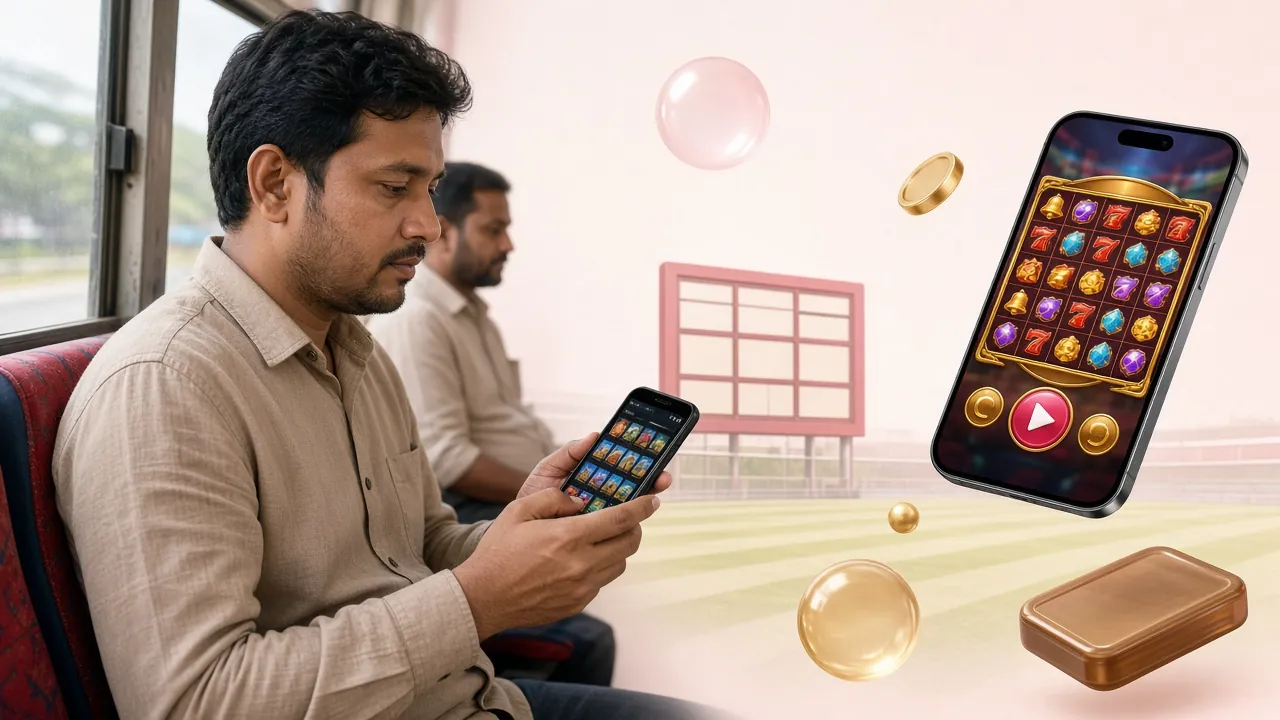
Download Details: Android APK and iOS Option
Everything you need before you tap that download button — file specs, language support, and what iPhone users can do instead.
Official APK File Info
| Detail | Value |
|---|---|
| App Name | s8bd App |
| Version | 2.9.0 |
| File Size | 28 MB |
| Minimum Android | 7.0 (Nougat) or higher |
| Last Updated | 16 November 2026 |
| Price | Free |
| Languages | English / Bangla |
| Download Source | s8bd.net only |
File: s8bd.apk · 28 MB · Secure download from s8bd.net
iPhone & iPad: Add to Home Screen
The s8bd App APK is Android-only. iPhone users get the same full experience through Safari — and can pin it as a home-screen shortcut in four steps.
-
1
Open Safari and go to s8bd.net. Other browsers on iOS do not support Add to Home Screen properly.
-
2
Tap the Share button — the box with an upward arrow — at the bottom of the screen.
-
3
Scroll down the share sheet and tap "Add to Home Screen". Give it a name or leave it as s8bd.
-
4
Tap Add in the top-right corner. The s8bd icon appears on your home screen like a native app.
The shortcut opens the site in full-screen mode — no browser address bar — and works with Face ID auto-fill for your login details.


Games You Can Play Right Inside the App
The app carries the full game lobby — live tables, video slots, crash games and cricket markets. Two games popular with Bangladesh players right now:
-
Mini Baccarat — Live Casino
By Habanero. RTP 96.4%. Bet from ৳5 up to ৳50,000 per round. Live dealer, real-time cards, works on 4G with no lag.
-
Muay Thai Champion — Slots
By CQ9. RTP 97.7% — one of the highest return rates in the lobby. Minimum bet ৳2, max ৳10,000. Loads in under three seconds on mobile data.
-
Cricket Betting Markets
IPL, BPL, T20, ODI and Test matches. Match winner, over/under, top batsman and more. Live odds update with every delivery. See all cricket markets.
-
Crash & Instant Games
Quick-fire games that resolve in seconds — good for sessions on the bus or during a break. Cash out before the multiplier crashes.
Install the s8bd APK on Android: Step by Step
Android 7.0 or higher. The whole process takes under two minutes. You only need to allow "Unknown Sources" once — Android won't ask again for the same source.
-
1
Allow installs from unknown sources
Go to Settings → Security (or Settings → Apps → Special App Access → Install Unknown Apps on Android 8+). Find your browser or file manager and toggle on "Allow from this source." This one-time permission lets Android install APK files downloaded outside the Play Store. Your other apps are not affected.
-
2
Download the APK file
Tap Download APK above, or go to s8bd.net/s8bd-app/ on your phone browser. The file is named s8bd.apk and is 28 MB. Only download from s8bd.net — do not use third-party APK sites, as those files may be modified. The download should complete in 10–30 seconds on a standard mobile connection.
-
3
Open the downloaded file
Pull down your notification bar — you'll see "s8bd.apk — Download complete." Tap it. Alternatively, open your phone's Files or Downloads app, go to the Downloads folder, and tap s8bd.apk there. If Android asks what app to open it with, choose Package Installer.
-
4
Confirm the install prompt
Android shows a screen with the app name, the permissions it requests (storage, network, notifications) and an Install button at the bottom. Review the permissions, then tap Install. The process takes about 5–10 seconds. When it finishes, you'll see "App installed."
-
5
Log in or register to start playing
Tap Open on the success screen (or find the s8bd icon in your app drawer). If you already have an account, enter your phone number and password. New to s8bd? Tap Register — it takes about three minutes and you'll be ready to deposit via bKash or Nagad straight away. Need help with the account? See the register guide or the login help page.
Quick Checklist
-
Android 7.0 or higher
Check: Settings → About Phone → Android Version.
-
At least 50 MB free storage
The APK is 28 MB; Android needs extra space to unpack it.
-
Stable internet during install
WiFi or 4G both work. A dropped connection mid-download will corrupt the file.
-
Unknown Sources enabled
Required once only. You can turn it back off after installing.
What the Mobile App Actually Does
Not just a reskinned website — the app is built for phone use. Here is what works differently once you install it.
-
One-tap biometric login
After your first sign-in, you can use fingerprint or face unlock to get back in. No more typing your password every session.
-
Deposit and withdraw inside the app
Tap the wallet icon, choose bKash, Nagad, Rocket, Upay or Bank Transfer. Deposits clear in about four minutes; withdrawals in about three minutes. Minimum deposit ৳500, minimum withdrawal ৳1,200.
-
Live casino with real-time streaming
Mini Baccarat, roulette and other live tables stream with a low-latency video feed that holds up on 4G. If your connection drops, the app reconnects automatically without losing your bet.
-
Push notifications for cricket matches
Get a notification when a match you've bet on starts, when odds change sharply, or when a wicket falls. You can choose which alerts to receive in app settings.
-
Instant sport-to-casino switching
Place a cricket bet, then jump to a slot in two taps. The bottom navigation bar keeps every section one tap away without page reloads.
-
Dark-optimised interface
The app screen is designed for low-light use — the same deep dark theme as s8bd.net, so it's comfortable during evening cricket sessions without draining OLED battery.
App at a Glance
- Games Available
- 5,700+
- Min Deposit
- ৳500
- Deposit Speed
- ~4 min
- Support
- 24/7
App vs Mobile Browser: Which Should You Use?
Both options give you access to the full platform. Here's where they differ — so you can pick the one that fits how you play.
| Feature | s8bd App | Mobile Browser |
|---|---|---|
| Loading speed | Faster — cached assets, no DNS lookup | Slightly slower on first load |
| Push notifications | Yes — cricket scores, deposit confirmations | Not supported on Android Chrome |
| Biometric login | Fingerprint / Face ID after first login | Password only (browser saved passwords optional) |
| Mobile data usage | Lower — images cached after first visit | Full page assets re-downloaded each session |
| Works offline / low signal | UI loads; reconnects when signal returns | Blank page if signal drops |
| Installation required | Yes — download 28 MB APK once | No — open browser and go |
| Device storage needed | ~50 MB after install | None (browser cache only) |
| Best for | Daily players, cricket followers, live casino regulars | Occasional visitors, iOS users, shared devices |
If you play cricket markets during IPL or BPL, the app's push notifications alone make it worth installing — you'll catch live-odds changes without staring at the screen.
Fund Your Account from the App: Payment Guides
All five payment methods work inside the s8bd App — same fees and limits as the website. Deposits arrive in about four minutes; withdrawals in about three.
- Best for
- Most Bangladesh players — widest coverage nationwide
- Deposit speed
- ~4 minutes
- Withdrawal speed
- ~3 minutes
- Minimum deposit
- ৳500
- Min withdrawal
- ৳1,200
- Note
- Use your registered bKash number to avoid delays
- Best for
- Players who prefer the Nagad wallet or earn Nagad cashback
- Deposit speed
- ~4 minutes
- Withdrawal speed
- ~3 minutes
- Minimum deposit
- ৳500
- Min withdrawal
- ৳1,200
- Note
- PIN confirmation happens inside the Nagad app
- Best for
- Dutch-Bangla Bank account holders; rural areas with Rocket agents
- Deposit speed
- ~4 minutes
- Withdrawal speed
- ~3 minutes
- Minimum deposit
- ৳500
- Min withdrawal
- ৳1,200
- Note
- Transaction PIN sent by SMS to your Rocket number
- Best for
- UCB bank customers and players already using Upay for other payments
- Deposit speed
- ~4 minutes
- Withdrawal speed
- ~3 minutes
- Minimum deposit
- ৳500
- Min withdrawal
- ৳1,200
- Note
- Keep the Upay app installed for OTP confirmation
- Best for
- Larger transactions; players with BEFTN or NPSB-enabled accounts
- Deposit speed
- ~4 minutes
- Withdrawal speed
- ~3 minutes
- Minimum deposit
- ৳500
- Min withdrawal
- ৳1,200
- Note
- Max daily withdrawal ৳50,000; ensure account name matches your s8bd profile
Full step-by-step deposit instructions: s8bd Deposit Guide.
App Permissions Explained — and How to Stay Safe
Android will show a list of permissions during install. Here is what the s8bd App requests, why it needs each one, and how to manage them afterwards.
-
Internet access
Required for all app functions — game streaming, deposits, odds updates. Without it the app cannot connect to any server.
-
Send notifications
Used for deposit confirmations, match-start alerts and bonus reminders. You can turn individual notification types off in Settings → Apps → s8bd → Notifications.
-
Read / write storage
Saves cached game assets and your login session token so the app starts faster on the next open. No personal files are read from your phone.
-
Biometric hardware (optional)
Only activated if you choose to enable fingerprint login in app settings. The app never sees your actual fingerprint data — Android handles all biometric checks internally.
-
Camera (optional, for document upload)
Only prompted when you submit identity documents before your first withdrawal. You can upload from your gallery instead if you prefer not to grant camera access.
Revoke a Permission After Install
You can change any permission at any time without uninstalling the app:
- Open phone Settings
- Go to Apps (or App Management)
- Find and tap s8bd
- Tap Permissions
- Toggle any permission on or off
Turning off Notifications just stops alerts — it does not affect gameplay or deposits.
Only download the s8bd APK from s8bd.net. Third-party APK hosting sites sometimes repackage files with spyware added. The official file is 28 MB exactly — if a download gives you a different size, delete it and re-download from this page.
Install Not Working? Common Problems Fixed
Most install errors have a simple fix. Find your problem in the list below and follow the solution — it usually takes under two minutes to resolve.
"Install blocked" or "Not allowed" message
Fix: Go to Settings → Apps → Special App Access → Install Unknown Apps. Find the app you used to download (e.g., Chrome or Files), and toggle on "Allow from this source." Then tap the APK file again. On older Android 7 devices, the toggle is at Settings → Security → Unknown Sources.
"Parse error" or "There is a problem parsing the package"
Fix: Delete the existing s8bd.apk file from your Downloads folder. Make sure your mobile data or WiFi is stable, then download again from this page. Check the file size is exactly 28 MB before opening it. A partial file will always fail to install.
"Not enough storage space" error
Fix: Go to Settings → Storage to check available space. Clear cached data for apps you use rarely: Settings → Apps → [app name] → Storage → Clear Cache. Then retry the install.
App installs but crashes immediately on opening
Fix: Uninstall any previous s8bd App version first (Settings → Apps → s8bd → Uninstall), then reinstall the latest APK from this page. If crashes continue, restart your phone and try again. The app requires Android 7.0 or higher — check your version at Settings → About Phone.
How to update the app when a new version is released
Steps: Download the new APK from s8bd.net/s8bd-app/, then tap to install it. Android will update the existing installation without deleting your account data, game history or saved login. You do not need to uninstall first unless the app tells you to.
s8bd App: Questions Players Ask Before Downloading
Short answers to the most common questions about the app — safety, updates, accounts and more.
Is the s8bd APK file safe to install?
Why is the s8bd App not on Google Play?
Can I use the same account on the app and the website?
What happens to my account if I uninstall the app?
Does the app work on 3G or slow mobile data?
How do I claim the welcome bonus after installing the app?
Ready to Install the s8bd App?
Download the free APK, install in under two minutes, and deposit with bKash or Nagad to claim your welcome bonus. If you already have an account, just log in and keep playing.
18+ · Play Responsibly · s8bd.net is the only official source for this APK